03 See running action
- Open github.com and find your repository, and select Actions
- Under
Workflowsyour should now see your workflows.ops2devops.
- Click on the top
Workflow Run. The name is the same as your last commit message. - You should now see your stages. You only have one called
Buildso click on that.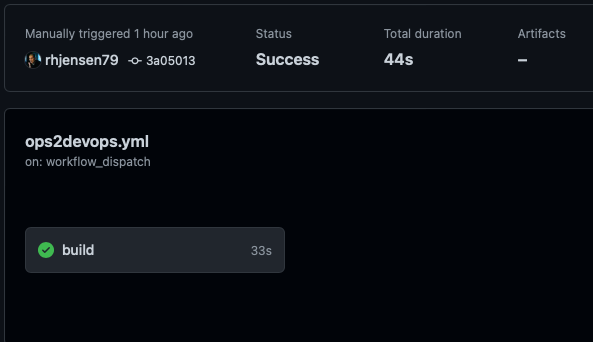
- You can now see all the stages, that we setup in the file.
